Most AI tools are built to answer questions.
Openclaw is built to run systems.
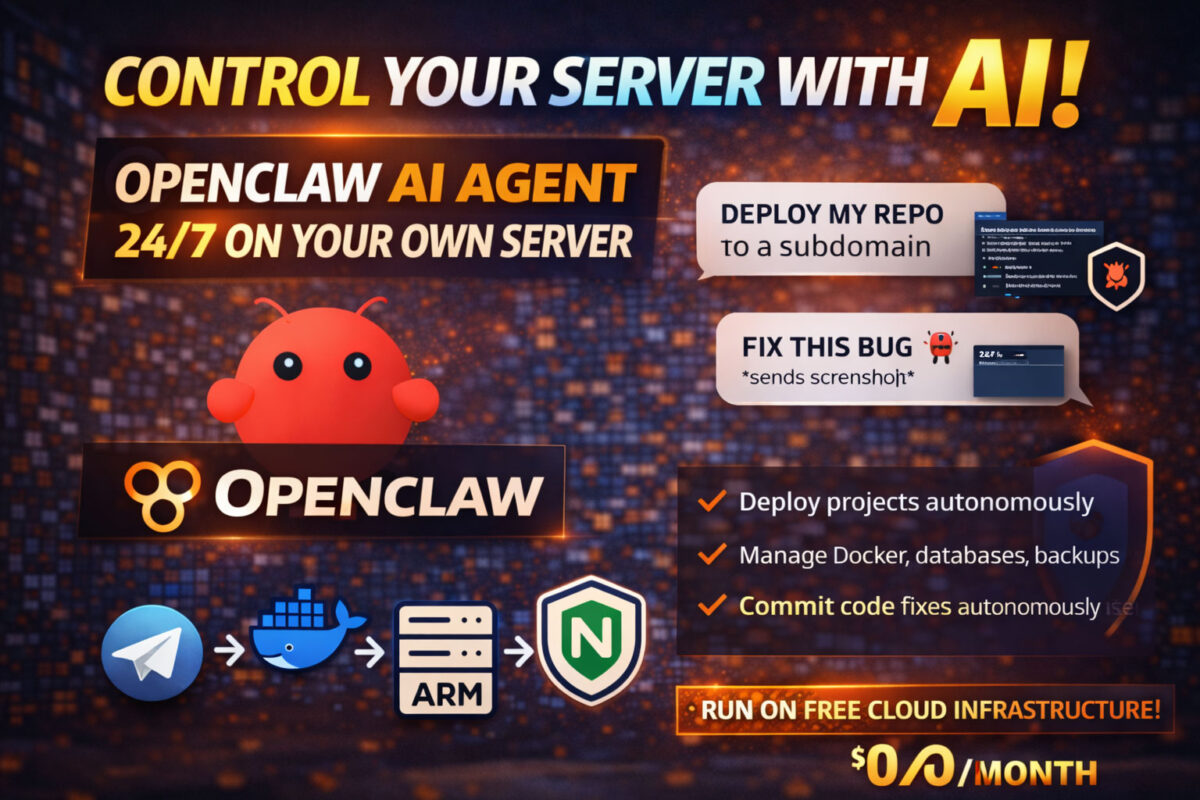
Openclaw is a self-hosted AI agent designed to operate continuously on your own server. It runs 24/7, remembers context, plans tasks, chains actions, and executes real operations such as deploying services, managing Docker containers, fixing bugs, and committing code.
Instead of using AI as a chat interface, Openclaw turns AI into infrastructure you control.
What Makes Openclaw Different from Traditional AI Tools
Unlike browser-based AI assistants, Openclaw is designed for execution, not conversation.
A self-hosted Openclaw agent can:
- Plan and execute multi-step tasks
- Maintain long-term memory and state
- Run background operations continuously
- Integrate directly with your tools and services
- Act autonomously inside defined boundaries
This makes Openclaw suitable for automation scenarios that typical AI tools cannot handle reliably.
Why Self-Hosting an AI Agent Changes Everything
Running a self-hosted AI agent removes the limitations of session-based tools.
Instead of:
- Reset contexts
- Manual copy-paste workflows
- Artificial usage limits
You gain:
- A persistent AI agent
- Full control over execution
- Clear permission boundaries
- Ownership of logs, memory, and behaviour
At this point, AI becomes a system component, not a disposable interface.
Running Openclaw 24/7 on Free Cloud Infrastructure
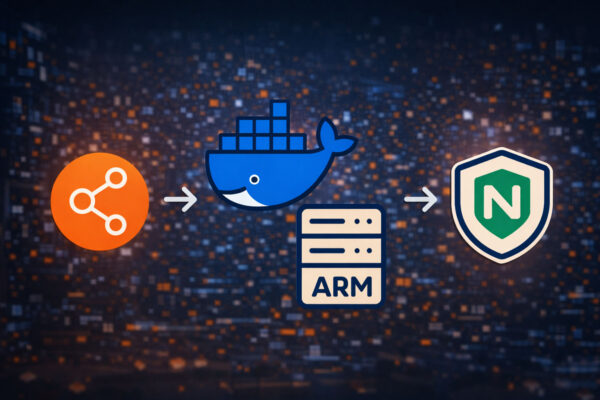
Openclaw can run continuously on free cloud infrastructure such as Oracle Cloud’s Always Free ARM tier.
This enables:
- A real virtual machine
- Sufficient memory for AI reasoning and automation
- Stable networking
- Long-term uptime with zero monthly server cost
When designed within free tier limits, Openclaw can run indefinitely without infrastructure fees.
Talk to Your Server Using Natural Language
Once connected to your environment, Openclaw feels less like an assistant and more like your server responding to you.
You can communicate with it via messaging platforms such as Telegram and say things like:
- “Deploy this repository”
- “Expose it under a subdomain”
- “Set up automated backups”
- “Check why this service restarted”
The agent translates intent into system-level actions.
From Repository to Production Deployment, Automatically
One of the most powerful features of Openclaw is autonomous deployment.
When given access to your infrastructure, the AI agent can:
- Analyse a project repository
- Create Docker configurations
- Provision databases
- Configure environment variables
- Set up backups
- Connect the service to a reverse proxy
- Publish it under a subdomain
You describe what you want.
The agent handles how it gets done.
Fix Bugs by Sending a Screenshot
Openclaw also changes how debugging works.
Instead of copying logs or explaining errors, you can:
- Take a screenshot of a bug
- Send it directly to the agent
From there, Openclaw can:
- Interpret the error visually
- Locate the relevant code
- Apply a fix
- Commit changes
- Deploy the update
This closes the loop from bug → fix → commit → deployment automatically.
AI as a DevOps and Automation Operator
At scale, Openclaw acts as:
- A personal DevOps assistant
- A background automation engineer
- A coordination layer between tools and services
It can manage Docker containers, repositories, backups, monitoring, and deployments while you focus on intent and strategy.
Security and Control by Design
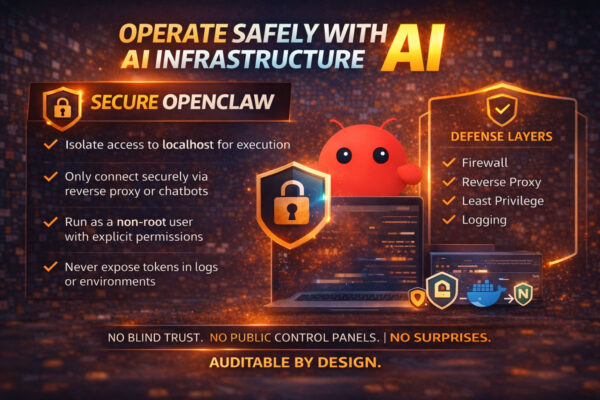
Openclaw does not access anything by default.
Key principles:
- All integrations are opt-in
- Permissions are explicit
- Everything runs on your infrastructure
- You can audit, revoke, or undo actions
This makes it suitable for long-running automation without sacrificing control.
Final Thoughts
When you can:
- Hand a repository to an AI agent
- Let it deploy and manage services
- Report bugs with screenshots
- Watch fixes get committed automatically
You are no longer using AI as a tool.
You are operating infrastructure through language.